

No articles in this category yet
We're working on new guides for this topic. Check back soon, or browse all posts to see everything we've published.

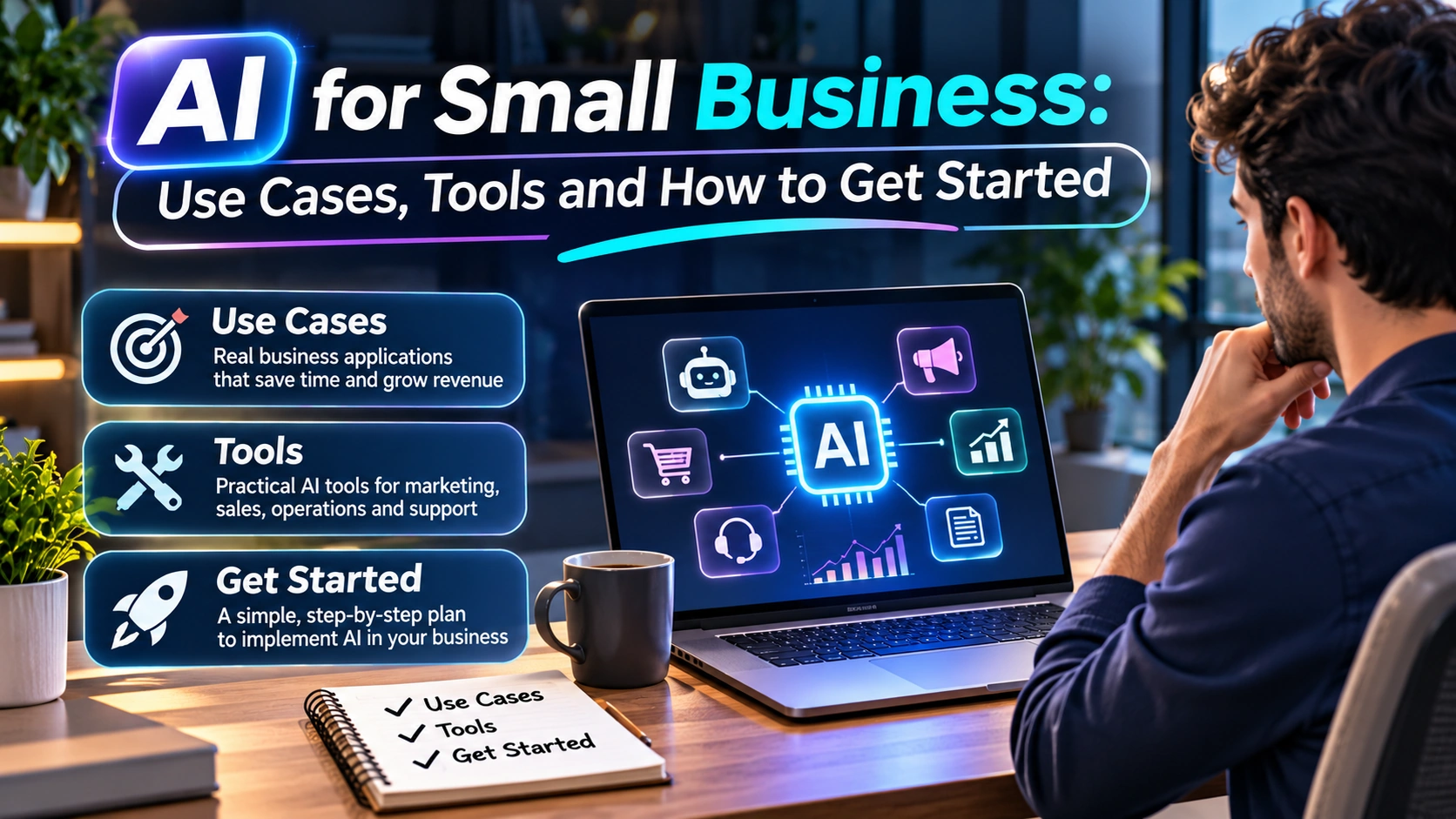
Running a small business means wearing many hats with very little spare time. AI will not take those hats off, but it can make each one lighter. The right tool can draft the email, summarize the meeting and organize the notes while your team focuses on clients.
This guide covers where AI fits in a small business, which tools are worth paying for, what a realistic budget looks like, and the steps to launch it without putting client data at risk.
Most owners have already tried AI. The challenge now is turning occasional use into daily results.
According to the Goldman Sachs 10,000 Small Businesses Voices survey (March 2026), 93% of owners using AI say it has had a positive effect on their business. Yet just 14% report that AI is fully built into their core operations.
Staff show the same pattern. The U.S. Chamber of Commerce Foundation found that around half of small business workers now use AI at work, while 41% are still unsure how it applies to their business. In other words, the tools are in place, but clear direction is often missing.
The best starting points are tasks your team repeats every week. Below are six areas where small firms usually see quick wins.
AI can draft replies to common questions, summarize long email threads and suggest answers for your FAQ page. Staff review each reply before it goes out. This cuts response times without losing the personal touch clients expect.
Salespeople can use AI to research a prospect, outline a proposal and write follow-up emails after calls. The salesperson still sets the price and the strategy. AI simply removes the blank-page delay.
AI helps create blog outlines, social media captions, newsletter drafts and ad variations. It is especially useful for repurposing one piece of content into several formats. Always edit the output so it reflects your brand voice and real expertise.
Meeting tools can transcribe calls and list action items automatically. AI can also turn rough notes into step-by-step procedures. Over time, this builds a written playbook your business may never have had.
AI can prepare invoice reminder emails, explain spreadsheet formulas and sort expense notes for review. Your bookkeeper or accountant still checks every number. The time saved is in preparation, not in final decisions.
Owners can use AI to write job ads, interview questions and onboarding checklists. It can also summarize long policy documents into plain language for staff. Keep candidate and employee personal data out of tools that are not approved for it.
Choose tools based on the software your team already uses every day. A good fit reduces training time and boosts adoption.
These are the core tools for writing, research, analysis and summaries. The main options are:
Teams, Zoom and Google Meet all offer AI features that record notes and action items. Standalone tools such as Otter and Fireflies add searchable transcripts. Check whether your current video platform already includes these features before buying another tool.
Platforms like Zapier, Make and Power Automate connect your apps and move data between them. For example, a new web form entry can create a CRM contact and send a welcome email. Most offer free tiers before usage-based pricing applies.
Many CRMs, accounting platforms and booking systems now include built-in AI. These features often require no extra setup because they already sit inside your workflow. Review the AI settings in tools you already pay for before adding new subscriptions.
For a detailed comparison of the two most popular assistants, read Copilot vs ChatGPT for business.
The license is usually the smallest part of the investment. Plan for the full picture from the start.
As a simple example, 10 users on a $25 monthly seat cost about $3,000 per year. Without someone guiding adoption, however, many of those seats end up unused.
A small, focused launch beats a big rollout. Follow these steps in order.
Ask each team member to list tasks they do weekly that involve writing, reading or copying information. Rank them by how often they happen and how much time they take. This list becomes your AI shortlist.
Start with work that is frequent and easy to check, such as internal summaries or first drafts of marketing posts. Avoid anything legal, financial or client-sensitive at first. Early wins build trust in the tool.
Match the tool to your current software, whether that is Microsoft 365 or Google Workspace. Buy business seats rather than letting staff use free personal accounts. Business plans give you admin control and stronger data protection.
Spell out which data staff may enter, which outputs need review and who answers questions. Keep the language simple so everyone actually reads it. Revisit the policy every few months as tools change.
Give every role a handful of ready-to-use prompts for its own tasks. Show one live example per prompt during a short session. Practical training sticks far better than long webinars.
Record how long key tasks take before and after AI. Note quality issues alongside time saved. Use the results to decide which use cases to expand next.
Data mistakes usually happen when staff use AI without clear rules. A few simple controls prevent most problems.
● Use business accounts only: OpenAI, Microsoft and Google state that business-plan data is not used to train their models by default.
● Block sensitive data in personal tools: put this rule in writing and repeat it during training.
● Check industry rules first: healthcare, legal and financial firms may need extra agreements, such as a Business Associate Agreement for patient data.
● Manage access centrally: turn on single sign-on where possible and remove accounts as soon as someone leaves.
Most AI setbacks come from rushed rollouts rather than weak tools. Watch for these five mistakes.
Many owners can run a basic pilot on their own. Outside help makes sense once AI needs to connect to your CRM, email and documents, or when staff usage drops after the first few weeks.
Your options include training an existing employee, hiring an AI engineer or bringing in a dedicated AI specialist. For a side-by-side cost breakdown, see AI engineer salary vs the cost of a dedicated AI specialist.
AI gives small businesses a practical way to do more without adding headcount. The biggest gains come from everyday tasks, a single well-chosen tool and clear rules for using it.
Start small, measure what changes and expand only what works. If you want an expert to lead that process, AI Virtual can place a pre-vetted AI specialist on your team, starting at [from $19/hour].
AI can draft customer replies, prepare proposals, summarize meetings, create marketing content and organize admin tasks. It handles the first draft or the busywork, while your team reviews the result and makes the decisions.
The best tool depends on the software you already use. Microsoft 365 teams often start with Copilot, Google Workspace teams with Gemini, and teams that want a flexible standalone assistant with ChatGPT Business.
Plan for about $20 to $30 per user per month for a business AI assistant as of November 2026, plus time for setup, training and ongoing management. Automation tools may add usage-based fees.
Yes, if they use business-grade plans and clear rules. Major vendors state that business-plan data is not used for model training by default, but regulated data such as patient records needs extra agreements and controls.
Recent surveys show small businesses mainly use AI to improve productivity rather than to cut staff. AI speeds up routine work, while people keep client relationships, judgment and final approval.
Many small businesses see time savings on simple tasks within the first few weeks. A structured 30-day test with before-and-after tracking gives you clear evidence of what to expand.
Get matched with an AI specialist who identifies opportunities and implements solutions that improve your operations.
We're working on new guides for this topic. Check back soon, or browse all posts to see everything we've published.