Hire an AI Specialist to Put AI to Work Across Your Law Firm
Work with a pre-vetted AI specialist who helps your firm build, implement, and improve AI workflows across intake, client follow-up, documents, automation, adoption, and governance.
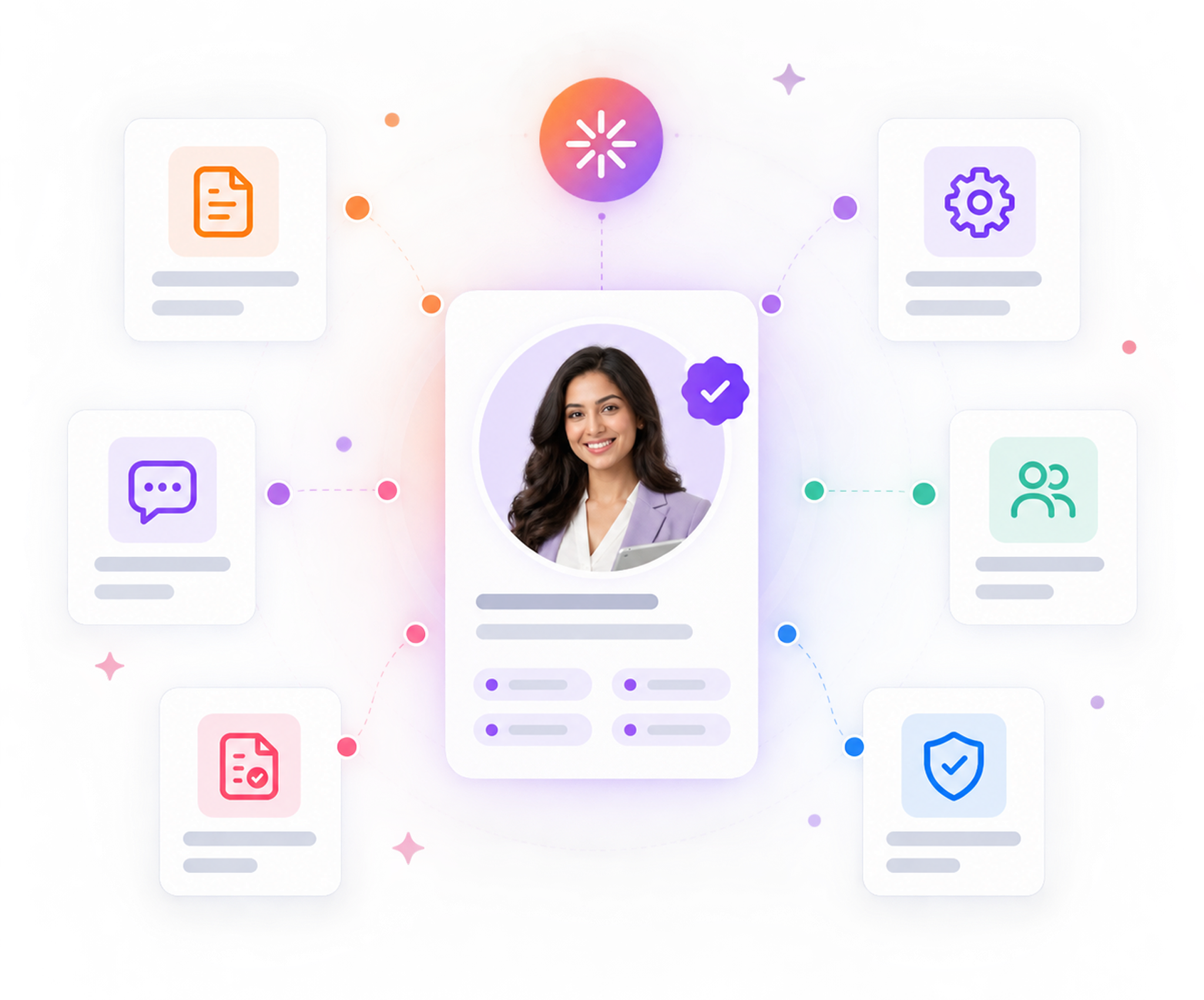
What Better AI Implementation Can Improve Across Your Law Firm
AI becomes valuable when it fits the way your firm already works. AI Virtual helps law firms clarify ownership of AI initiatives and improve workflow consistency across clients, matters, staff, and firm operations.

- Clearer Workflow Ownership
Assign responsibility for building, implementing, monitoring, and improving AI-enabled processes, so initiatives keep moving after the initial setup.
- Better Process Consistency
Structure intake, follow-up, document handling, routing, and internal handoffs around defined steps, review points, and system actions.
- Stronger Fit With Existing Systems
Connect AI to the forms, CRM, practice-management environment, document systems, communications tools, and approved platforms your firm already uses.
- Sustainable Adoption and Oversight
Support testing, team training, documentation, review requirements, and ongoing governance so AI becomes part of daily operations.
AI Specialists for Every Stage of Your Work
AI Virtual provides six defined AI specialist roles, each aligned to a specific part of AI strategy, development, and operations. Your firm can align the right expertise to the workflow or AI initiative you need to move forward.
AI Director
Sets AI priorities, identifies high-value opportunities, and helps shape the firm’s AI roadmap.
AI Agent Developer
Builds AI agents, automations, integrations, and intelligent workflows for defined legal and operational processes.
AI Implementation Specialist
Implements AI into daily operations through workflow mapping, configuration, testing, and adoption.
AI Systems
Administrator
Keeps AI platforms, integrations, user access, and operational environments reliable and properly managed.
AI Compliance & Governance Manager
Creates practical governance around AI use, including policies, access, review requirements, risk controls, and oversight.
AI Forward Deployed Engineer
Translates business problems into practical AI solutions that can be configured, integrated, and deployed inside the firm.
Our 3A Phases

Build and implement AI around how your firm operates.
AI improves the workflows and platforms your firm already uses.
AI agent developers building agents to handle repeatable work:
The AI director setting priorities and measuring results:
The AI Compliance & Governance Manager keeping AI use safe and ethical:
Governance Manager
The AI Systems Administrator keeping your firm's AI secure and connected:
The AI Forward Deployed Engineer building what standard agents can't:
AI Support for Different Legal Practice Areas
Your AI specialist can build and implement AI around the workflows specific to your practice area.

Personal Injury
Improve intake, lead qualification, demand-preparation workflows, and client follow-up.

Immigration
Organize status tracking, document collection, checklist workflows, and structured review steps.
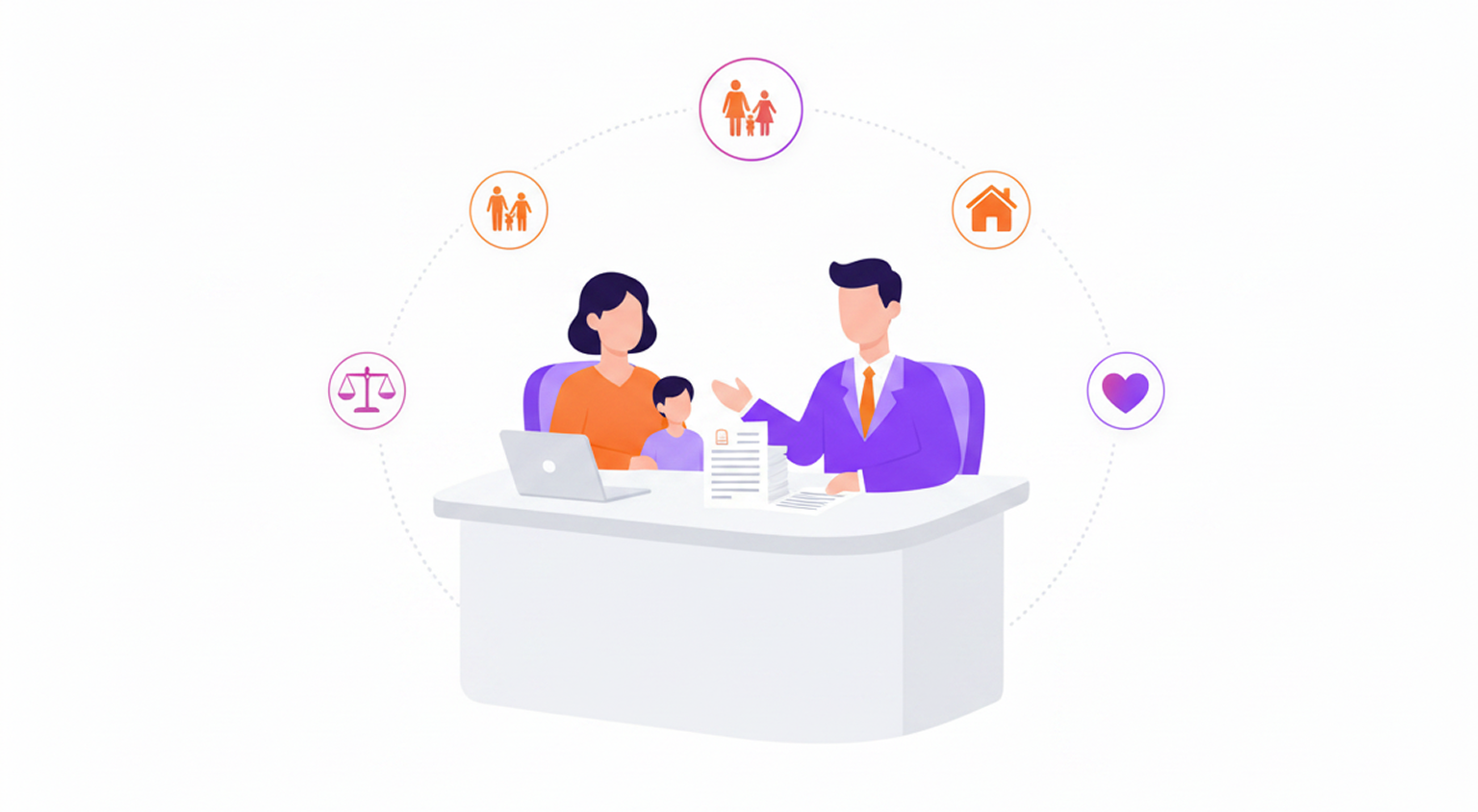
Family Law
Improve document collection, matter checklists, workflow tracking, and drafting-support processes.
From Solo Attorneys to Large Firms and Everything in Between
No matter the size of your firm, AI Virtual helps you bring AI into the operations and workflows you already us
Role Workflow
Certified Across Key AI Disciplines
AI Forward Deployed Engineer moves your project from understanding the business need through deployment and continuous improvement.




Transparent Pricing
- One monthly rate, confirmed upfront
- No long-term contract required
- No vendor commissions built into your specialist's recommendations
How It Works
Start with the legal process you want to improve. AI Virtual helps align the right specialist, implement the solution, and keep it working as your firm’s needs evolve.
STEP 01
Identify the Workflow
Tell us which process needs improvement, which systems are involved, and what outcome your firm wants to achieve.
STEP 02
Align the Right AI Specialist
We align the workflow with the specialist role, technical experience, and relevant certification requirements needed for the work.
STEP 03
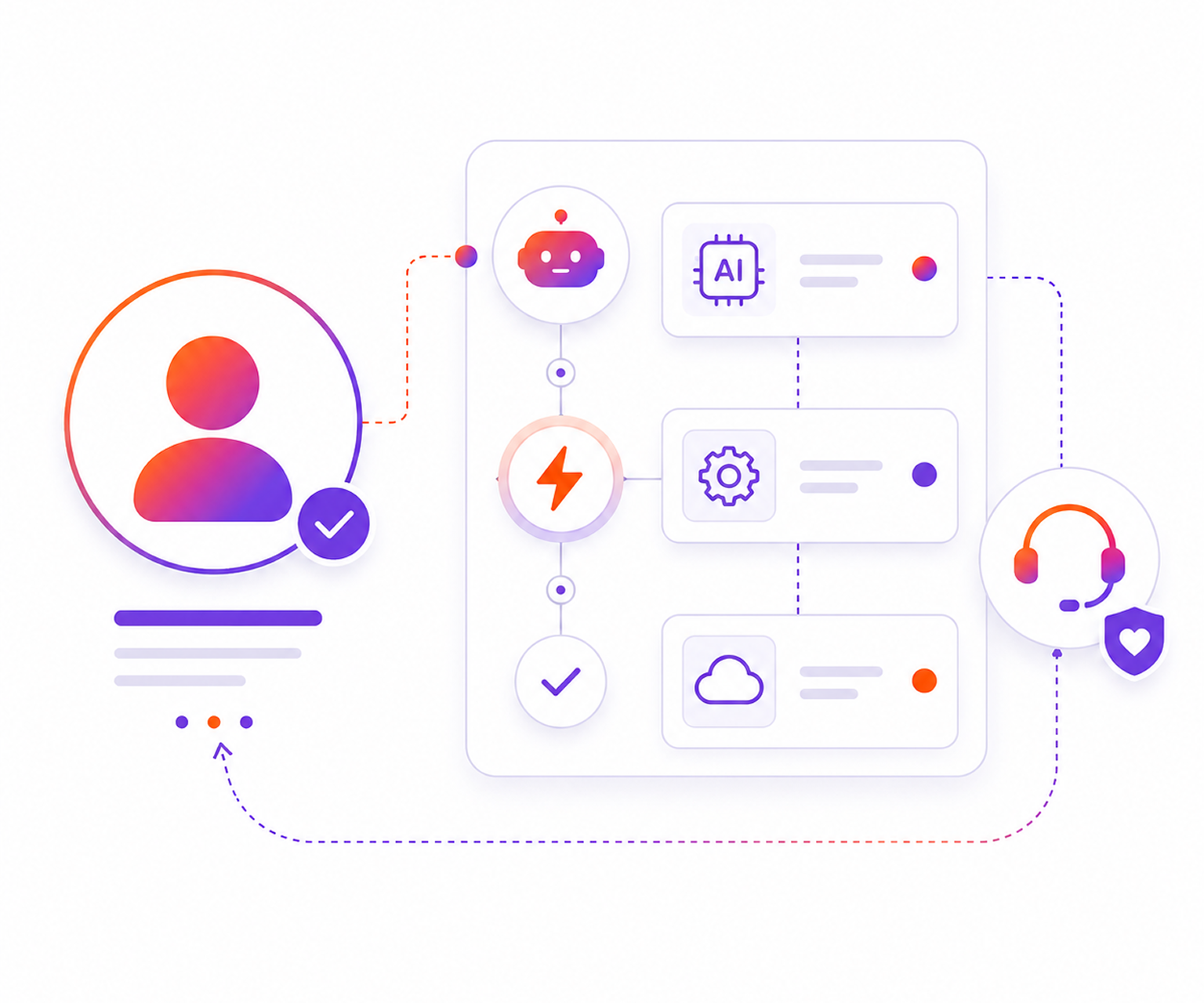
Build, Implement & Improve
Your specialist configures or builds the solution, connects it to your systems, tests the workflow, trains your team, and continues improving it after launch.

What Your Law Firm Gets With AI Virtual
- Dedicated AI ownership: Specialist expertise aligned to the workflow and accountable for defined AI priorities.
- Structured pre-vetting: Screening for technical depth, communication, and proven deployment experience.
- Workflow-specific implementation: AI implementation built around your legal process, systems, and operating goals.
- Role-aligned credentials: Relevant certification and platform requirements aligned to the work involved.
- Training, documentation & optimization: Clear operating guidance, workflow documentation, and ongoing improvements as needs evolve.
More Information on AI Virtual
What is AI for law firms?
What can an AI specialist do for a law firm?
What law firm workflows can AI specialists improve?
How does AI Virtual help a law firm implement AI?
How are AI Virtual specialists vetted and certified?
Turn Your Next AI Initiative Into a Working Legal Process
Start with the workflow that needs better ownership. AI Virtual helps define the implementation needs, align the right specialist role, and move the process into day-to-day operations inside your firm.